
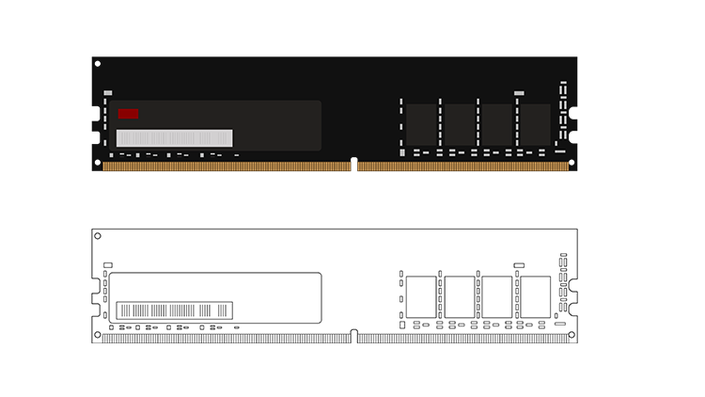
External Memory Loader Development for Enhanced MCU Memory Extensions
Advanced Techniques for External Memory Integration
Watch Promo
What This Course Offers:
Practical Application and Integration: Dive into real-world applications by storing extensive graphical assets for GUI projects on external memory and using them at runtime via the external memory loader.
Why Enrol in This Course ?
- Break Free from Limitations: Say goodbye to the constraints of internal MCU memory. This course empowers you to push the boundaries of what's possible in your embedded systems projects.
- Elevate Your Projects: Whether it's enhancing user interfaces, incorporating complex algorithms, or managing rich media content, external memory extensions open up a new world of possibilities.
- Gain a Competitive Edge: In the rapidly evolving field of embedded systems, proficiency in external memory loader development sets you apart, making you a valuable asset in any tech-driven environment.
Frequently Asked Questions
Course Curriculum
-
StartNotice
-
StartProgramming : Enabling the Floating Point Unit (FPU) (18:00)
-
StartProgramming : Developing a UART Driver - Analyzing the Documentation (11:35)
-
StartProgramming : Developing a UART Driver - Listing out the steps (4:00)
-
StartProgramming : Developing a UART Driver - Implementing the Init. function (22:13)
-
StartProgramming : Developing a UART Driver - Implementing the Write function (5:39)
-
StartProgramming : Developing a UART Driver - Testing the Driver (6:39)
-
StartProgramming : Developing the System Timebase - Analyzing the Documentation (8:28)
-
StartProgramming : Developing the System Timebase - Implementing the Init. function (9:52)
-
StartProgramming : Developing the System Timebase - The rest of the functions (12:15)
-
StartProgramming : Developing the System Timebase - Testing the Timebase (5:34)
-
StartProgramming : BSP : Listing the out the Required Functions (7:55)
-
StartProgramming : Writing the LED Driver (5:01)
-
StartProgramming : Writing the PushButton Driver (4:00)
-
StartProgramming : Testing the Board Support Package (3:35)
-
StartProgramming : Analyzing the Documentation (5:21)
-
StartProgramming : Listing out the steps for developing the ADC Driver (5:27)
-
StartProgramming : Writing the ADC Initialization function (13:21)
-
StartProgramming : Writing the ADC Read function (14:05)
-
StartProgramming : Analyzing the Documentation for the SPI Driver (7:34)
-
StartProgramming : Intializing the GPIO Pins for SPI (11:00)
-
StartProgramming : Implementaing Structures for Configruation Parameters (15:29)
-
StartProgramming : Configuring the Parameters (15:41)
-
StartProgramming : Writing the SPI Initialization function (14:55)
-
StartProgramming : Writing the SPI Transmit Function (Pt.1) (9:27)
-
StartProgramming : Writing the SPI Transmit Function (Pt.2) (10:26)
-
StartProgramming : Transmitting 16-bit Data (17:54)
-
StartProgramming : Transmitting 8-bit Data (6:46)
-
StartProgramming : Receiving Data (11:05)
-
StartProgramming : Testing the SPI Driver (15:47)
-
StartProgramming : Extending the SPI Driver (16:00)
Your Instructor

EmbeddedExpertIO represents a vibrant collective dedicated to the mastery of sophisticated embedded systems software development for professionals.
Our core objective is to equip individuals and organizations with the indispensable skills to thrive in the swiftly evolving embedded systems sector. We achieve this by providing immersive, hands-on education under the guidance of seasoned industry specialists. Our ambition is to emerge as the favored learning platform for embedded systems development professionals across the globe.